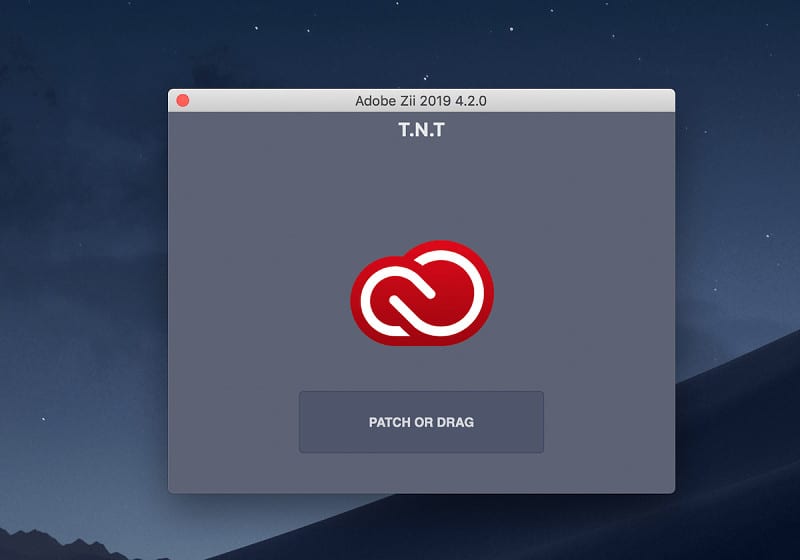
Adobe Zii Patcher CC 2022 for macOS is a small and great utility that helps you forget about all issues with the registration of all Adobe existing products.
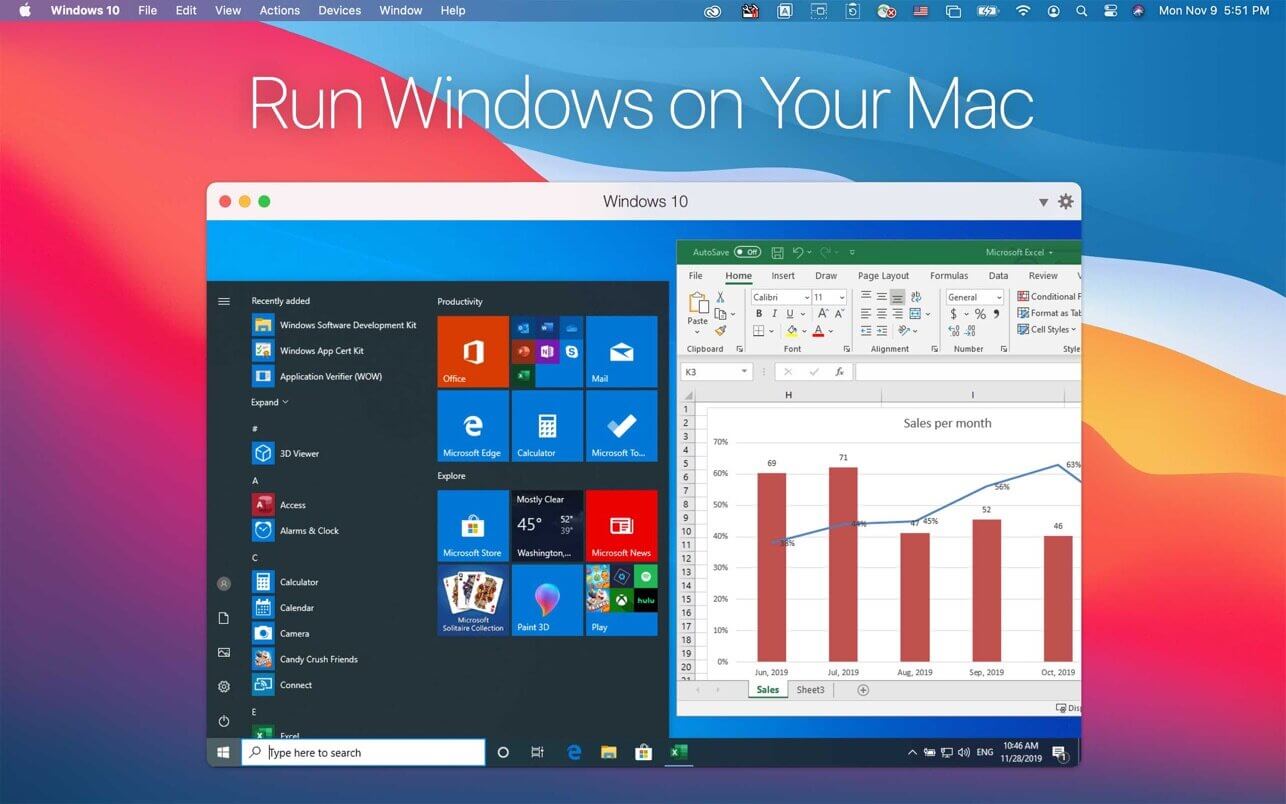
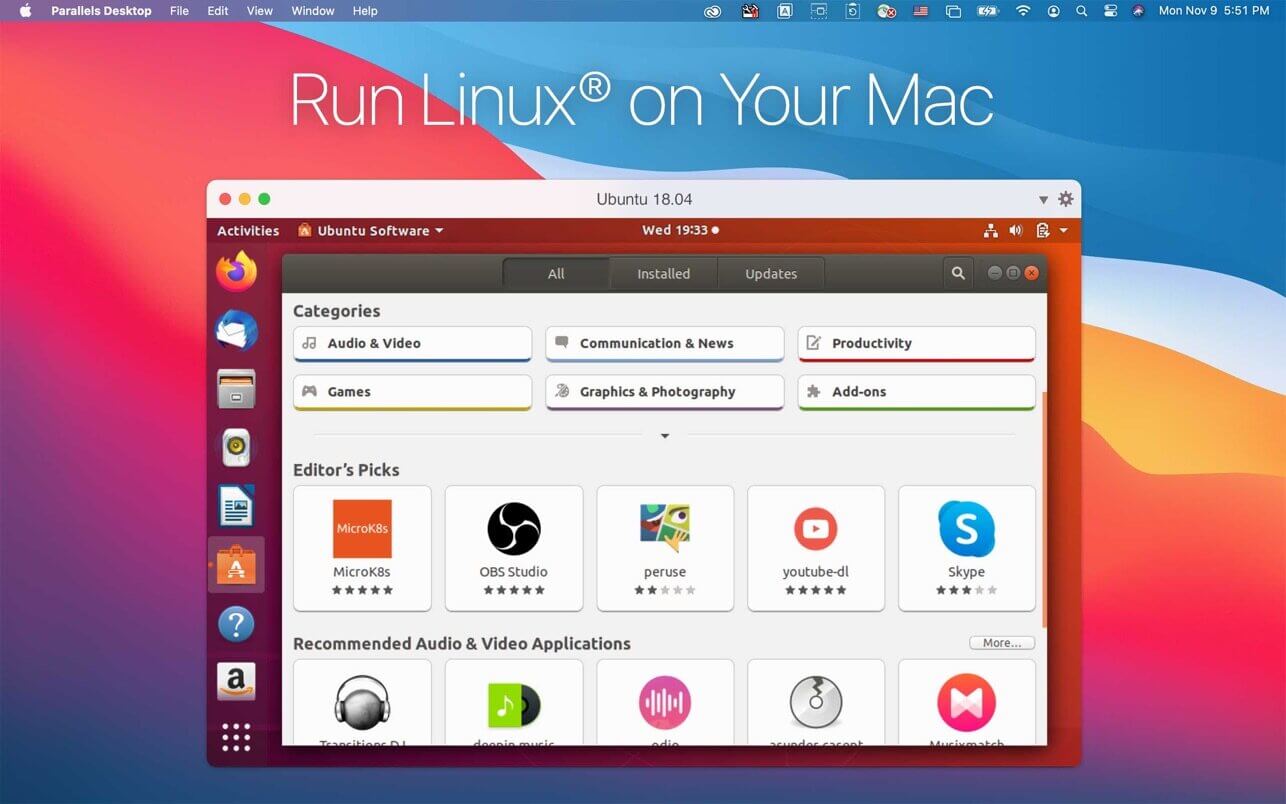
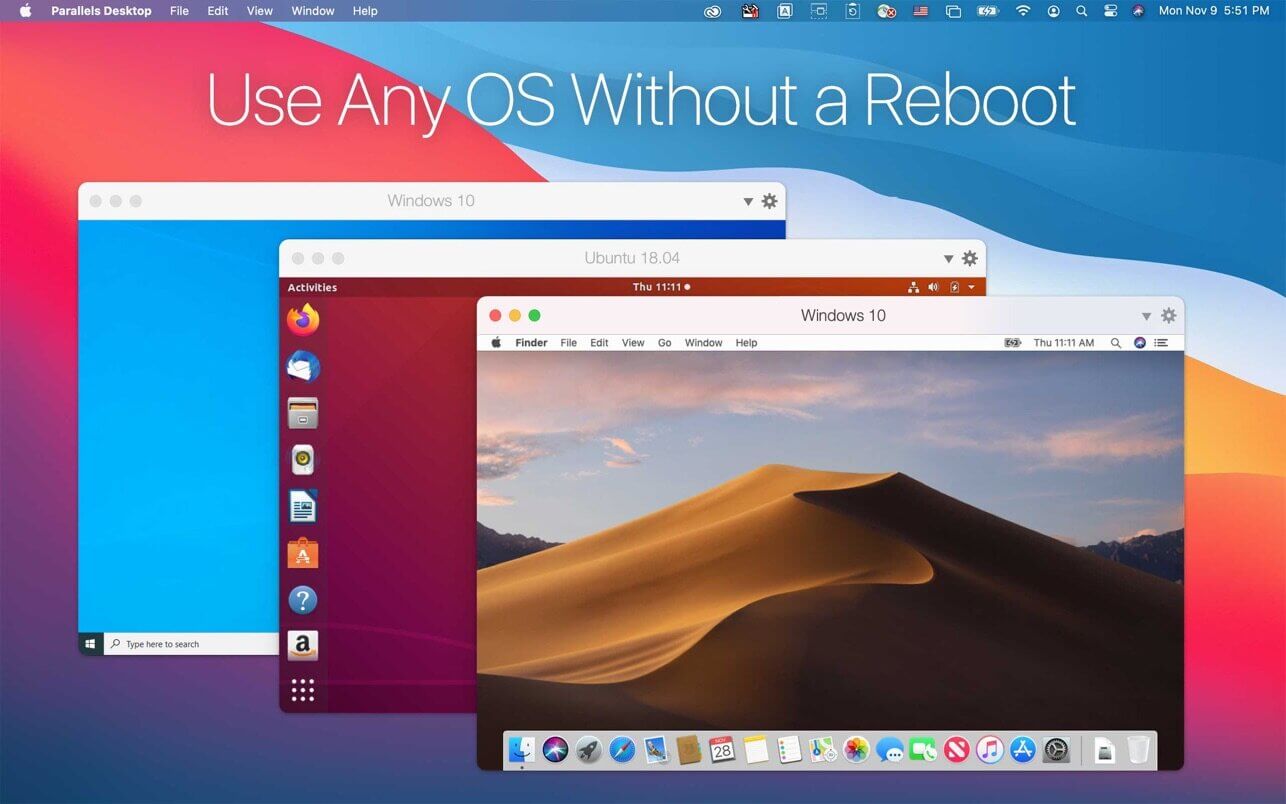
Parallels Desktop Business Edition allows you to run Windows and Mac applications side by side. Choose your view to make Windows invisible while still using its applications, or keep the familiar Windows background and controls on your Mac. Whether you need to run Windows programs that don’t have Mac versions, or you’re making the switch from PC to Mac and need to transfer your data, Parallels Desktop has you covered.
Features
Powerful Performance: Run business-critical applications without compromise—Microsoft Office, Visual Studio®, Quicken®, and QuickBooks™ for Windows, Access, Project, Autodesk Revit® and Inventor, CorelDRAW, ArcGIS, Visio, QuickBooks™, Internet Explorer, Adobe Photoshop®, and Parallels Desktop Business Edition!
Lightning Fast: Graphics and resource-hungry Windows applications run effortlessly without slowing down employee’s MacBook®, iMac®, Mac mini®, or Mac Pro®.
Fits Into Security Standards: Join Windows to Active Directory and enforce corporate policies and guidelines, just as if virtual machines are physical PCs. New smart card reader support expands smart card authentication to Windows and macOS Parallels Desktop Business Edition.
Protect Data in Windows: Add an additional layer of security by encrypting virtual machines and keeping their configuration password protected.
Create Expiring Virtual Machines: Create time-bound, encrypted virtual machines that will automatically expire and lock at a defined time. Ensures additional security when corporate data is shared externally.
Optimized for macOS Mojave (10.14): Up to date with the latest macOS release featuring Dark Mode, as well as security and privacy feature updates. Plus, from your Windows applications, seamlessly experience Quick Look and Continuity Camera with your iPhone®.
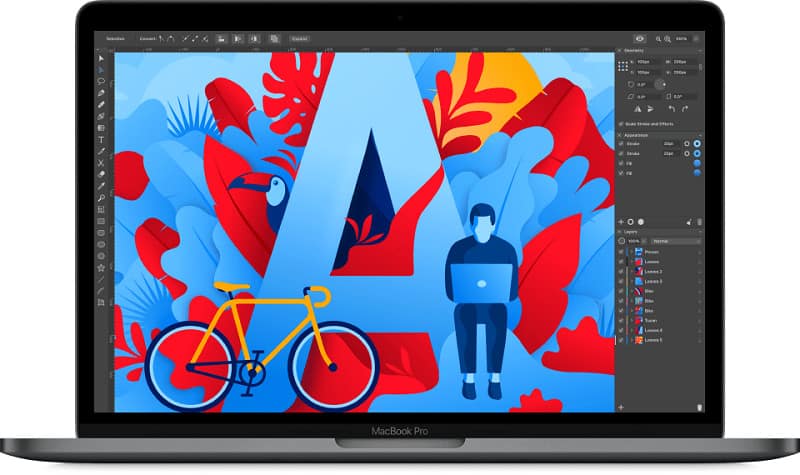
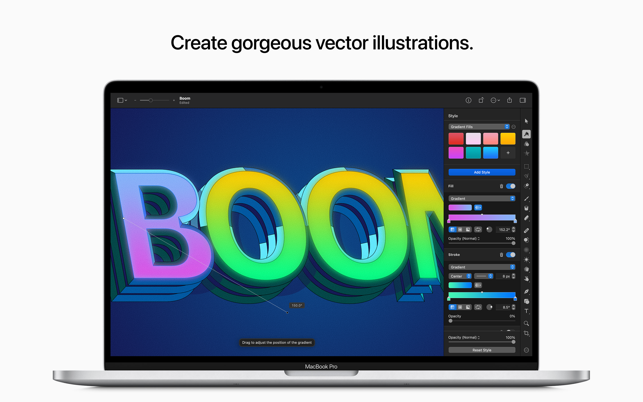
Amadine is a vector drawing software with a perfectly balanced UI that guarantees smooth workflow and quick learning. The app is perfect for illustrations, designing websites, and user interfaces, laying out flyers and brochures, and creating logos and icons. Developed with precision and attention to what users need, Amadine offers everything you may require to bring the craziest illustration ideas to life.
Features
Tools:
Use more than 30 tools for selecting, drawing, editing, slicing, and typing.
Type and edit text: Text (combines text in place and text inbox), Text on Path, Text in Shape.
Workflow
Customize UI with attached or detached panels mode.
Store multiple artworks in one document.
Create multiple layers and sublayers.
Different layer blending modes.
View options: pixel/retina preview, outline, guides, grid, and rulers.
Advanced Drawing
Use more than 30 tools for selecting, drawing, editing, slicing, and typing.
Add multiple strokes and fills, create unique stroke profiles using the Width tool.
Write text on a path or inside a shape.
Perform union, subtract, intersect, and exclude operations on selected objects.
Draw using pressure-sensitive tablets.
Create art with responsive and natural brushes.
Path Editing
Create paths using the Path and Draw tools.
Add, remove, and arrange the anchor points.
Convert points to corner points and smooth points.
Edit paths and shapes that they form using the Knife, Scissors, and Eraser tools.
General
Export the entire document, a sheet, or a selection JPEG, TIFF, PNG, PDF, and SVG.
Touch Bar and QuickLook supported.
Automatically saves versions of documents you are working on.
Whats new?
New Features:
Introduced the Flowing Text feature, where text can now flow from one text column to another. A very useful feature for designing text-based layouts like flyers and brochures.
Added the Paint mode into the Fusion tool, which helps users to choose the coloring style for new shapes.
Improved algorithm of shape creation in the Fusion tool.
Added the ability to exchange colors between Stroke and Fill in the Appearance panel.
(iOS) For users that draw primarily with the Apple Pencil, Amadine introduced the “Disable touch drawing” option into the program Preferences. When activated, all general editing is done with the pencil, only scroll, zoom, rotate, and some modifications are done with finger gestures.
(iOS) Extended the app licensing options. In addition to the Lifetime license, users can opt for a monthly or annual subscription.
(iOS) Revised the free version restrictions. Removed the restriction on file save and imposed a restriction on export to graphic file formats and printing.
Fixes:
Improved the Draw tool when drawing the path that already has a Stroke profile.
(iOS) Fixed unnecessary auto-scroll on the maximum and minimum zoom values.
(macOS) Improved support for glyphs alternatives in fonts via the system font dialog Typography > Glyph Variants.
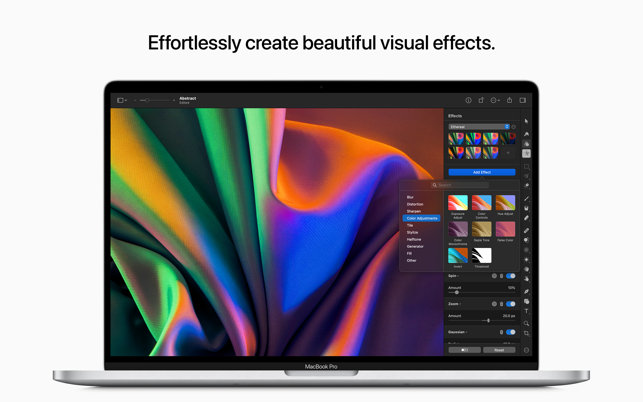
Pixelmator Pro is an incredibly powerful, beautiful, and easy-to-use image editor designed exclusively for Mac. A wide range of professional-grade, nondestructive image editing tools, lets you bring out the best in your photos, create gorgeous compositions and designs, draw, paint, apply stunning effects, design beautiful text, and edit images in just about any way you can imagine.
Features
New Interface
The modern, single-window interface is designed exclusively for working with images on a Mac
An intuitive and accessible design makes it easy for anyone to edit images — from complete beginners to design professionals
Professional Tools
Enhance your existing images and create new ones using every image editing tool you could ever need
Edit nondestructively, adjusting individual changes whenever you like
Easily move, resize, and arrange objects to create stunning compositions
Adjust the colors in images with a collection of nondestructive color adjustments
Enjoy superior support for RAW files, editing RAW images right inside Pixelmator Pro without having to preprocess them
Create digital or traditional paintings using a collection of handcrafted, fully-customizable, dual-texture brushes with full support for digital graphics tablets
Combine the built-in effects in Pixelmator Pro to create any artistic or special effects you can imagine
Nondestructively customize the look of layers in your image using layer styles
Save the adjustment, effect, and layer style combinations you create, use them in any of your images, and share them with others
Magically remove small imperfections or entire objects, seamlessly clone parts of your photos, lighten or darken precise areas, and more using a full set of retouching tools
Use the reshaping tools to easily change the shape of any object or area in your images, create striking artistic effects or make subtle changes to portrait photos
Pick out and edit precise parts of your images or copy objects from one image to another using a range of pixel-accurate selection tools
Add high-quality, customizable vector graphics designed by the Pixelmator Team
Create your own vector graphics using the Pen and Freeform Pen tools
Easily design a great-looking text with a full set of typography tools
Image Editing Enhanced by Machine Learning
Automatically give descriptive names to the layers you add
Intelligently straighten images using horizon detection
Magically remove objects, recreating image areas with stunning realism
Quickly make accurate selections with ease
Compatibility
Open and edit images in all the most popular image formats, including JPEG, TIFF, PNG, PSD, PDF, GIF, BMP, TGA, JPG-2000
Open and edit Photoshop images with layers
Import HEIF images
Launch Pixelmator Pro directly from the Photos app and save edits back to the original image in your library
Share your images to the Photos app, Twitter, Facebook, Flickr, and other locations right from Pixelmator Pro
Built Exclusively for Mac
Designed exclusively for macOS, Pixelmator Pro supports almost every major macOS feature and integrates seamlessly with macOS Big Sur.
Screenshots
Whats new?
Pixelmator Pro is now fully compatible with and works great on macOS 13 Ventura.
Enjoy instant Pixelmator Pro document opening thanks to document loading performance improvements.
With initial support for the AVIF file format, you can now open AVIF images in Pixelmator Pro.
Use the all-new smooth corner style to create beautiful new shapes, including squircles.
Easily adjust corner radius with handy on-canvas controls.
Set the radius of shape corners individually.
Adjust the radius of individual corners by Command-dragging a radius handle.
In the template chooser, open Recents by pressing the Command-R keyboard shortcut.
Thanks to the all-new Clear Recents button, you can now clear recent blank documents and recent templates from Recents.
Track export progress with a new on-canvas progress indicator.
The last used “Shrink text to fit” setting will now be remembered for new layers and documents.
The world’s most famous flock has returned in a new version of the mobile game that took the world by storm. Join Red, Chuck, Bomb, Silver, and the rest of the gang for classic slingshot action that will please fans of all ages. Angry Birds Reloaded features familiar physics-based gameplay from the original game – now remastered with visual enhancements, new characters, and plenty of destruction!
Features
NEW BIRDS. NEW PIGS. NEW CHALLENGES: Red, Chuck, Bomb, and the rest of the main flock are here – plus new additions from the expanded Angry Birds movie universe
NEW GAME MODE: Here come the Eagles! wreaking havoc on the island in a series of new levels. Can the Angry Birds stop them?
POWER UP:
Boost your birds’ destructive strength with power-ups. Aim farther, fly higher and knock down the pig’s towers!
TRACK YOUR SCORES with local leaderboards against friends and family members for top bragging rights. All scores are tracked on the same iCloud account.
A TIMELESS CLASSIC – NOW RELOADED: Enjoy the familiar and satisfying slingshot action of the original Angry Birds game, with hundreds of levels of swine-smashing, eagle-whacking, destructive fun in gameplay.